

Laravel Collection filter() – วิธีกรองข้อมูลใน Laravel Collection
บทนำ
Laravel Collection เป็นหนึ่งใน features ที่ทำให้การจัดการข้อมูลใน PHP สะดวกและมีประสิทธิภาพมากขึ้น โดย Collection จะทำหน้าที่เป็น wrapper ของ array ที่มาพร้อมกับ methods มากมายสำหรับจัดการข้อมูล ไม่ว่าจะเป็นการเรียงลำดับ การแปลง หรือการกรองข้อมูล
ในบทความนี้เราจะมาเรียนรู้กันอย่างละเอียดเกี่ยวกับ filter() method ซึ่งเป็นหนึ่งใน methods ที่ใช้บ่อยที่สุดในการกรองข้อมูลตามเงื่อนไขที่กำหนด
filter() คืออะไร?
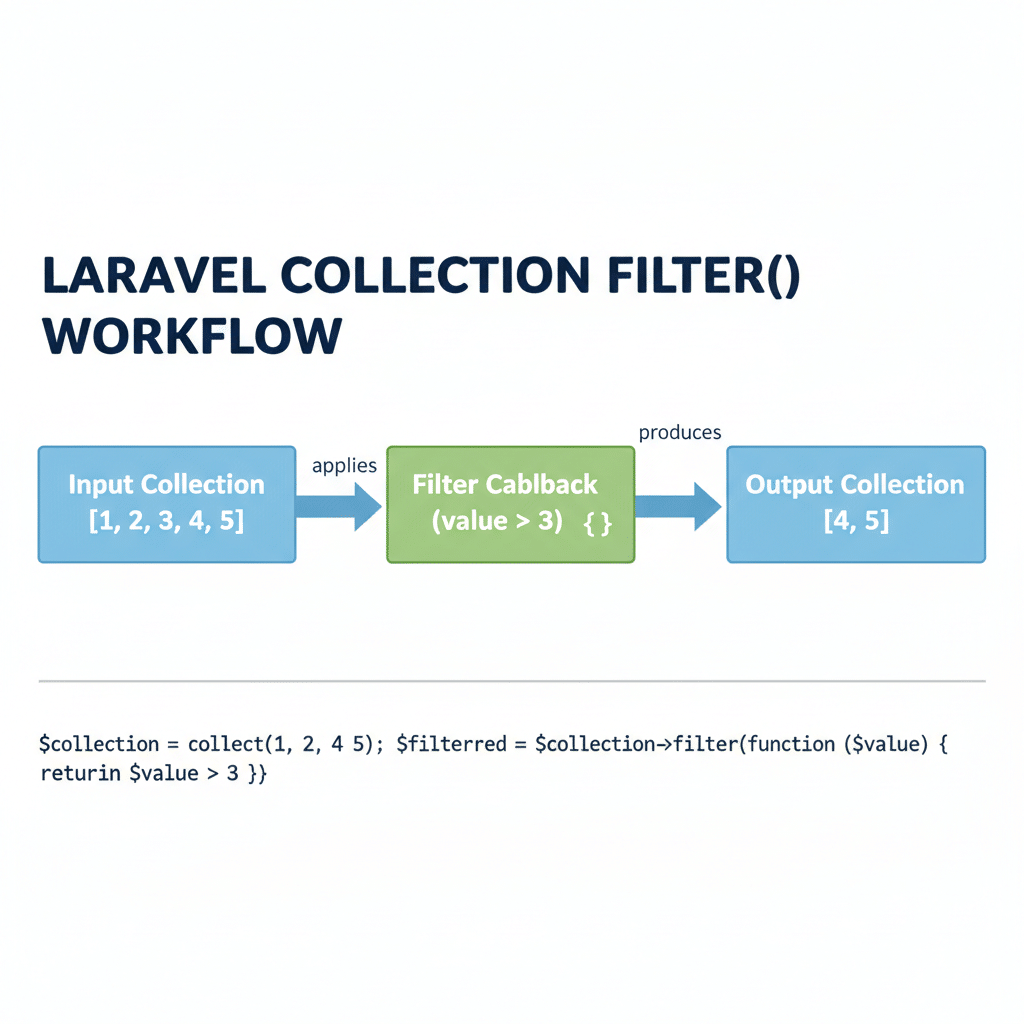
filter() เป็น method ของ Laravel Collection ที่ใช้สำหรับกรอง element ใน Collection ตามเงื่อนไขที่กำหนด โดยจะคืนค่าเป็น Collection ใหม่ที่ผ่านการกรองแล้ว
Syntax พื้นฐาน
$collection->filter(callable $callback = null);
Parameters:
– $callback (optional): ฟังก์ชันที่ใช้สำหรับกำหนดเงื่อนไขการกรอง ถ้าไม่ใส่จะเป็นการลบค่า falsy ออก
Return:
– คืนค่าเป็น Collection ใหม่ที่ผ่านการกรองแล้ว
ตัวอย่างพื้นฐาน
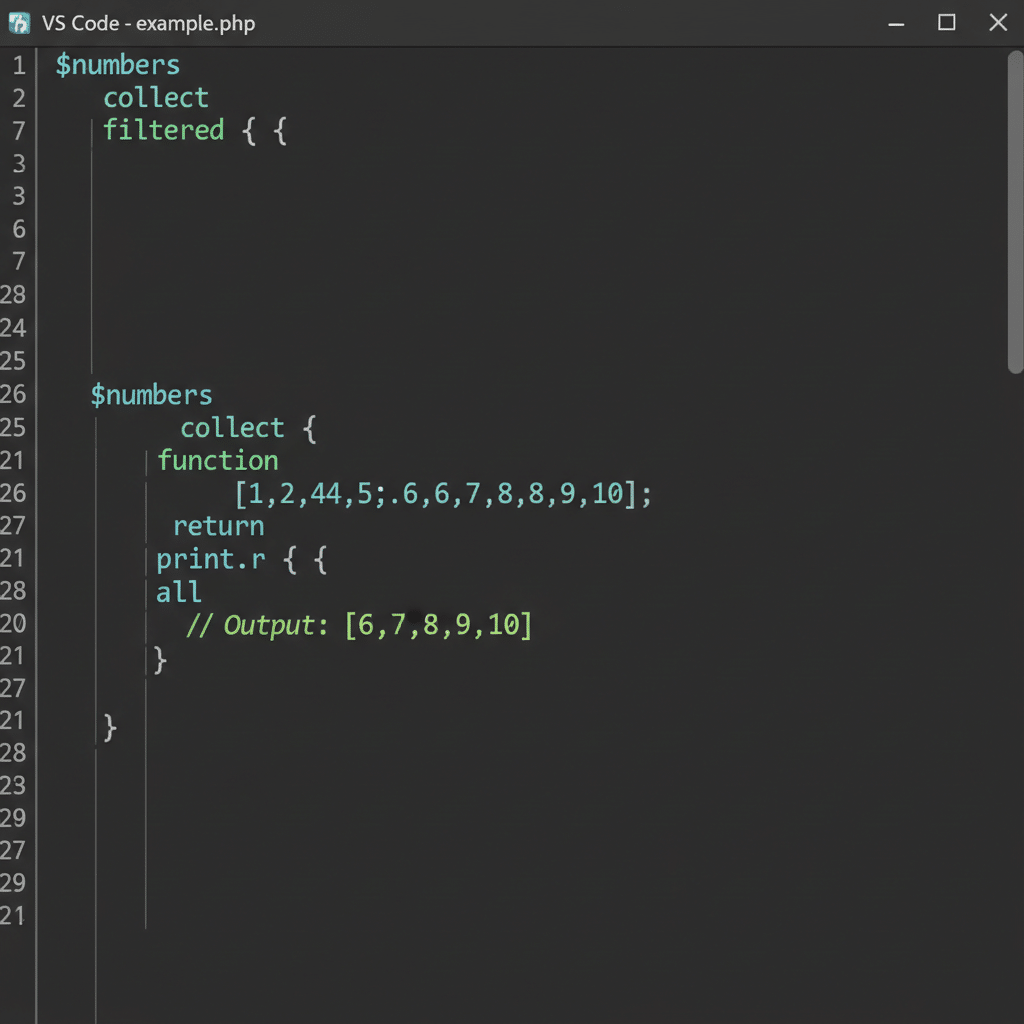
$numbers = collect([1, 2, 3, 4, 5, 6, 7, 8, 9, 10]);

$filtered = $numbers->filter(function ($value) {
    return $value > 5;
});

print_r($filtered->all());
// Output: [6, 7, 8, 9, 10]
การใช้งาน filter() แบบต่างๆ
3.1 ใช้ callback function
การใช้ callback function จะทำให้เราสามารถกำหนดเงื่อนไขการกรองได้อย่างยืดหยุ่น โดย callback จะรับ parameter 2 ตัวคือ $value (ค่าของ element) และ $key (key ของ element)
กรองตัวเลขที่มากกว่าค่าที่กำหนด
$scores = collect([85, 42, 90, 65, 55, 78, 92, 30]);

$passingScores = $scores->filter(function ($score) {
    return $score >= 60;
});

print_r($passingScores->all());
// Output: [85, 90, 65, 78, 92]
กรอง object ที่มี property ตามเงื่อนไข
$products = collect([
    ['name' => 'iPhone', 'price' => 29900, 'in_stock' => true],
    ['name' => 'iPad', 'price' => 15900, 'in_stock' => false],
    ['name' => 'MacBook', 'price' => 45900, 'in_stock' => true],
    ['name' => 'AirPods', 'price' => 5900, 'in_stock' => true],
]);

$availableProducts = $products->filter(function ($product) {
    return $product['in_stock'] === true;
});

print_r($availableProducts->all());
ผลลัพธ์จะได้เฉพาะสินค้าที่มีใน stock เท่านั้น
3.2 ไม่ใส่ callback (ลบค่า falsy)
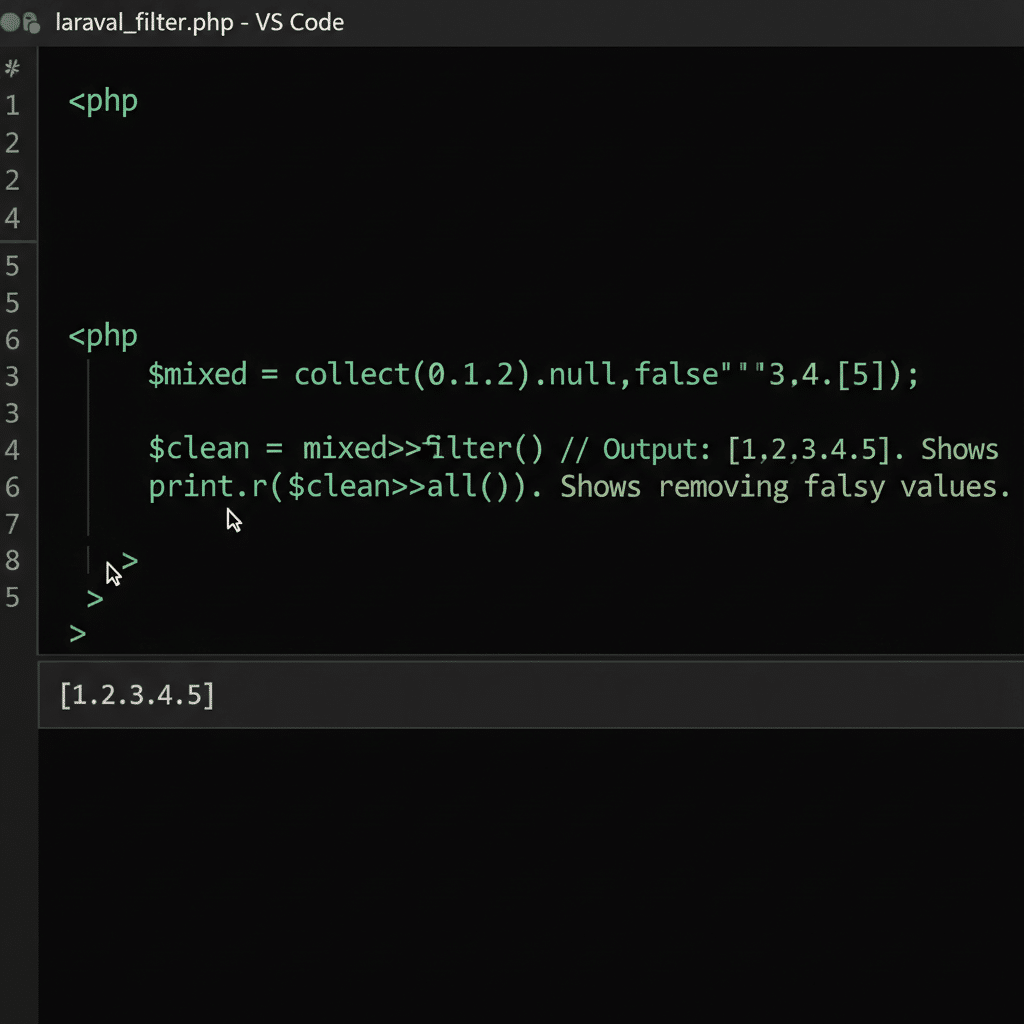
ถ้าเราเรียก filter() โดยไม่ใส่ callback function มันจะลบค่าที่เป็น falsy ออกโดยอัตโนมัติ ค่า falsy ใน PHP ประกอบด้วย:
– null
– false
– ” (empty string)
– 0
– 0.0
– [] (empty array)
$mixedData = collect([0, 1, 2, null, false, '', 3, 4, [], 5]);

$cleaned = $mixedData->filter();

print_r($cleaned->all());
// Output: [1, 2, 3, 4, 5]
Use case: ลบค่าว่างออกจากข้อมูล
$formData = collect([
    'name' => 'John Doe',
    'email' => '[email protected]',
    'phone' => '',
    'address' => null,
    'age' => 0,
    'bio' => 'Developer',
]);

$cleanData = $formData->filter();

print_r($cleanData->all());
// Output: ['name' => 'John Doe', 'email' => '[email protected]', 'bio' => 'Developer']
3.3 กรอง array ธรรมดา
กรอง array of numbers
$temperatures = collect([22, 25, 28, 30, 35, 38, 24, 26]);

// กรองอุณหภูมิที่มากกว่า 30 องศา
$hotDays = $temperatures->filter(function ($temp) {
    return $temp > 30;
});

print_r($hotDays->all());
// Output: [30 => 35, 31 => 38]
กรอง array of strings
$users = collect([
    'john',
    'jane',
    '',
    'bob',
    '  ',
    'alice',
    null,
    'charlie'
]);

$validNames = $users->filter();

print_r($validNames->all());
// Output: ['john', 'jane', 'bob', 'alice', 'charlie']
3.4 กรอง Eloquent Collection
filter() ใช้งานได้ดีมากกับ Eloquent Collection ที่ได้จากการ query ข้อมูลจาก database
กรอง users ที่ active
$users = User::all();

$activeUsers = $users->filter(function ($user) {
    return $user->is_active === true;
});

// หรือใช้ arrow function (PHP 7.4+)
$activeUsers = $users->filter(fn ($user) => $user->is_active);
กรอง products ที่มีราคาในช่วงที่กำหนด
$products = Product::all();

$affordableProducts = $products->filter(function ($product) {
    return $product->price >= 1000 && $product->price <= 5000;
});

// หรือใช้ where() chain ก่อน filter
$inRangeProducts = $products
    ->where('price', '>=', 1000)
    ->where('price', '<=', 5000);
filter() vs where() – เปรียบเทียบ
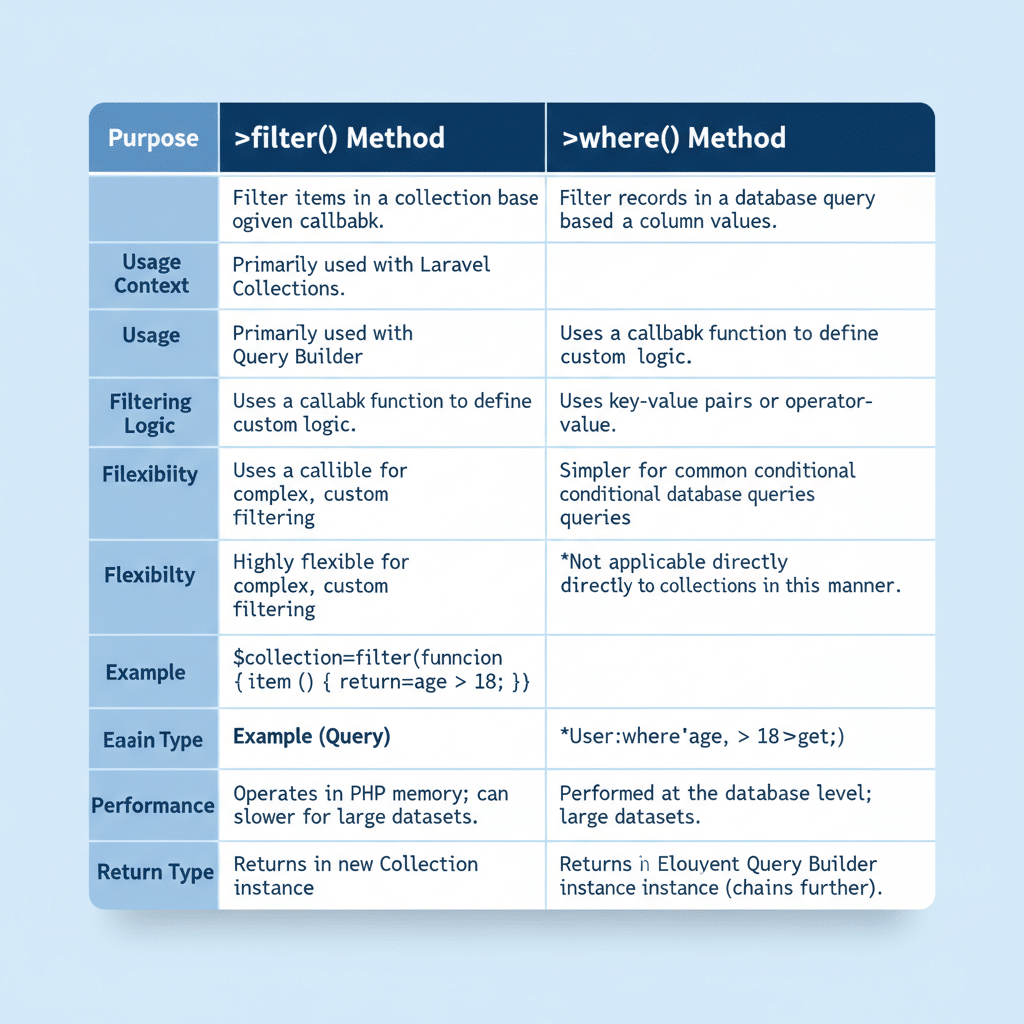
หลายคนอาจสงสัยว่าควรใช้ filter() หรือ where() ในการกรองข้อมูล มาดูความแตกต่างกัน
| คุณสมบัติ | filter() | where() |
|---|---|---|
| การใช้งาน | ใช้ callback function | ใช้ key-value pair |
| ความยืดหยุ่น | สูงมาก – ใส่ logic ได้ตามต้องการ | จำกัด – เหมาะกับการเทียบเท่ากัน |
| การเขียน | ยาวกว่า | กระชับ |
| กรณีใช้งาน | เงื่อนไขซับซ้อน, หลายเงื่อนไข | เงื่อนไขง่ายๆ, exact match |
ตัวอย่างเปรียบเทียบ
$products = collect([
    ['name' => 'A', 'price' => 100],
    ['name' => 'B', 'price' => 200],
    ['name' => 'C', 'price' => 150],
]);

// ใช้ filter()
$expensiveItems = $products->filter(function ($product) {
    return $product['price'] > 120;
});

// ใช้ where()
$expensiveItems = $products->where('price', '>', 120);
ทั้งสองวิธีให้ผลลัพธ์เดียวกัน แต่ where() อ่านง่ายกว่าสำหรับเงื่อนไขที่ง่าย
เมื่อไหร่ควรใช้อะไร
ใช้ filter() เมื่อ:
– ต้องการเงื่อนไขหลายเงื่อนไข
– ต้องการใช้ logic ที่ซับซ้อน
– ต้องเข้าถึงหลาย properties
– ต้องการใช้ conditions ที่ไม่ใช่การเทียบเท่า
// filter() - เงื่อนไขซับซ้อน
$premiumUsers = $users->filter(function ($user) {
    return $user->is_active
        && $user->subscription === 'premium'
        && $user->orders()->count() > 10;
});
ใช้ where() กับ:
– การเทียบค่าเดียว (exact match)
– เงื่อนไขง่ายๆ
– การกรองด้วย key ที่ชัดเจน
// where() - เงื่อนไขง่าย
$activeUsers = $users->where('is_active', true);
$expensiveProducts = $products->where('price', '>', 1000);
Advanced Tips & Tricks
การ chain กับ methods อื่น
filter() สามารถ chain กับ methods อื่นๆ ได้อย่างมีประสิทธิภาพ
// กรองแล้ว map เปลี่ยนรูปแบบ
$names = collect([
    ['first' => 'John', 'last' => 'Doe'],
    ['first' => 'Jane', 'last' => 'Smith'],
    ['first' => null, 'last' => 'Brown'],
]);

$fullNames = $names
    ->filter(fn ($name) => $name['first'] !== null)
    ->map(fn ($name) => $name['first'] . ' ' . $name['last']);

print_r($fullNames->all());
// Output: ['John Doe', 'Jane Smith']

// filter -> pluck -> sum
$totalSales = $orders
    ->filter(fn ($order) => $order['status'] === 'completed')
    ->pluck('amount')
    ->sum();
การใช้ filter() กับ paginate
$products = Product::paginate(20);

$filteredProducts = $products->getCollection()->filter(function ($product) {
    return $product->is_active && $product->stock > 0;
});

// สร้าง paginator ใหม่
$paginator = new \LengthAwarePaginator(
    $filteredProducts->values(),
    $products->total(),
    $products->perPage(),
    $products->currentPage()
);
Performance Considerations
- ใช้ when() conditional – ถ้าต้องการกรองตามเงื่อนไขบางอย่าง
$products = $products->filter(function ($product) use ($minPrice, $maxPrice, $category) {
    return $product->price >= $minPrice
        && $product->price <= $maxPrice
        && (!$category || $product->category === $category);
});
- ใช้ reject() สำหรับกรองแบบกลับ – ถ้าต้องการเอาออกแทนที่จะเก็บไว้
$activeUsers = $users->reject(fn ($user) => !$user->is_active);
- ใช้ firstWhere() หลัง filter – ถ้าต้องการหา element แรกที่ตรงเงื่อนไข
$firstExpensiveProduct = $products
    ->filter(fn ($p) => $p->price > 1000)
    ->firstWhere('in_stock', true);
สรุป
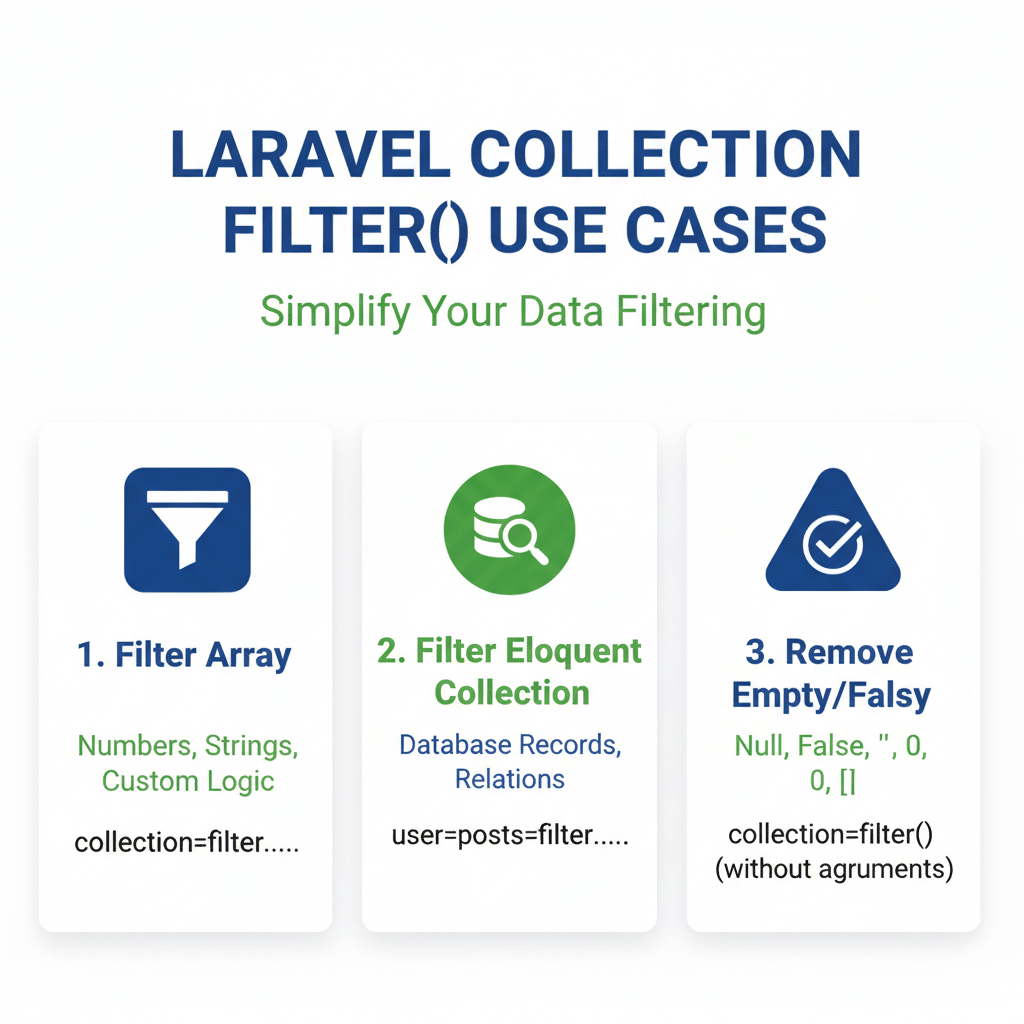
filter() เป็น method ที่มีประโยชน์มากสำหรับการกรองข้อมูลใน Laravel Collection โดยมีจุดเด่นดังนี้:
- ยืดหยุ่น – ใช้ callback function ทำให้สามารถกำหนดเงื่อนไขได้ตามต้องการ
- หลากหลายรูปแบบ – ทั้งการใช้ callback, ไม่ใส่ callback (ลบ falsy), หรือใช้กับ Eloquent Collection
- Chain ได้ – สามารถใช้ร่วมกับ methods อื่นๆ ได้อย่างมีประสิทธิภาพ
- เปรียบเทียบกับ where() – เลือกใช้ตามความเหมาะสมของเงื่อนไข
การเข้าใจวิธีใช้งาน filter() อย่างถูกต้องจะช่วยให้การเขียนโค้ดจัดการข้อมูลใน Laravel มีประสิทธิภาพและอ่านง่ายมากขึ้น


