


map() ใน Laravel Collections
ทำความรู้จักกับ map()
เมื่อต้องการแปลงข้อมูลใน array หรือ collection เรามักจะใช้ loop ธรรมดา แต่ Laravel Collections มี method ที่ทรงพลังกว่านั้น — map()
map() คือวิธีการแปลงทุก element โดยไม่แก้ไข collection เดิม ตัวมันเองจะคืนค่าเป็น Collection ใหม่ พร้อมสำหรับ data transformation และ output formatting
🔧 วิธีใช้งานพื้นฐาน
map(function ($item, $key) {
    return $transformed;
})
สิ่งที่ต้องจำ:
– Return type: Collection ใหม่ (immutable)
– Original collection: ไม่ถูกแก้ไข
– Parameter: $item (ค่าปัจจุบัน), $key (index หรือ key)
ตัวอย่างพื้นฐาน
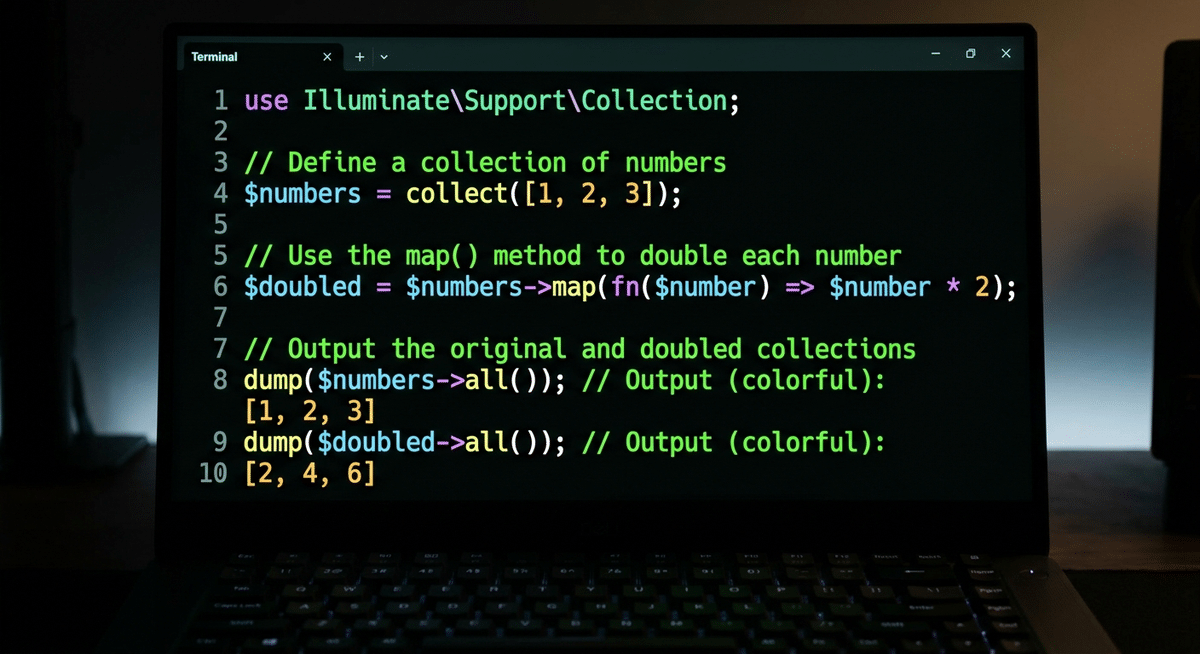
// การคูณทุกตัว
$numbers = collect([1, 2, 3, 4, 5]);

$doubled = $numbers->map(fn ($num) => $num * 2);
// Result: [2, 4, 6, 8, 10]

// Original ไม่เปลี่ยน
$numbers->all(); // [1, 2, 3, 4, 5]
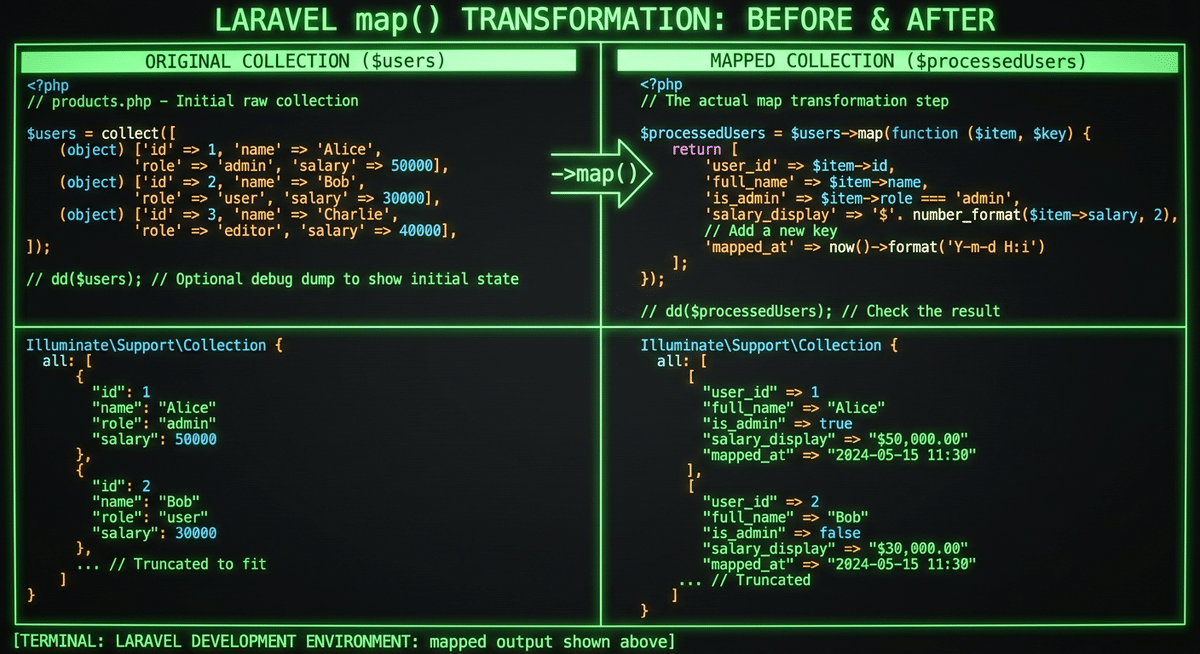
// การเพิ่ม property ให้ array
$users = collect([
    ['name' => 'John', 'email' => '[email protected]'],
    ['name' => 'Jane', 'email' => '[email protected]']
]);

$usersWithId = $users->map(function ($user) {
    return [
        'id' => uniqid(),
        'name' => $user['name'],
        'email' => $user['email'],
        'created_at' => now()
    ];
});
// การแปลง string เป็น URL
$urls = collect(['/home', '/about', '/contact']);

$fullUrls = $urls->map(fn ($path) => 'https://example.com' . $path);
// Result: ['https://example.com/home', 'https://example.com/about', ...]
📌 ตัวอย่างการใช้งานจริง
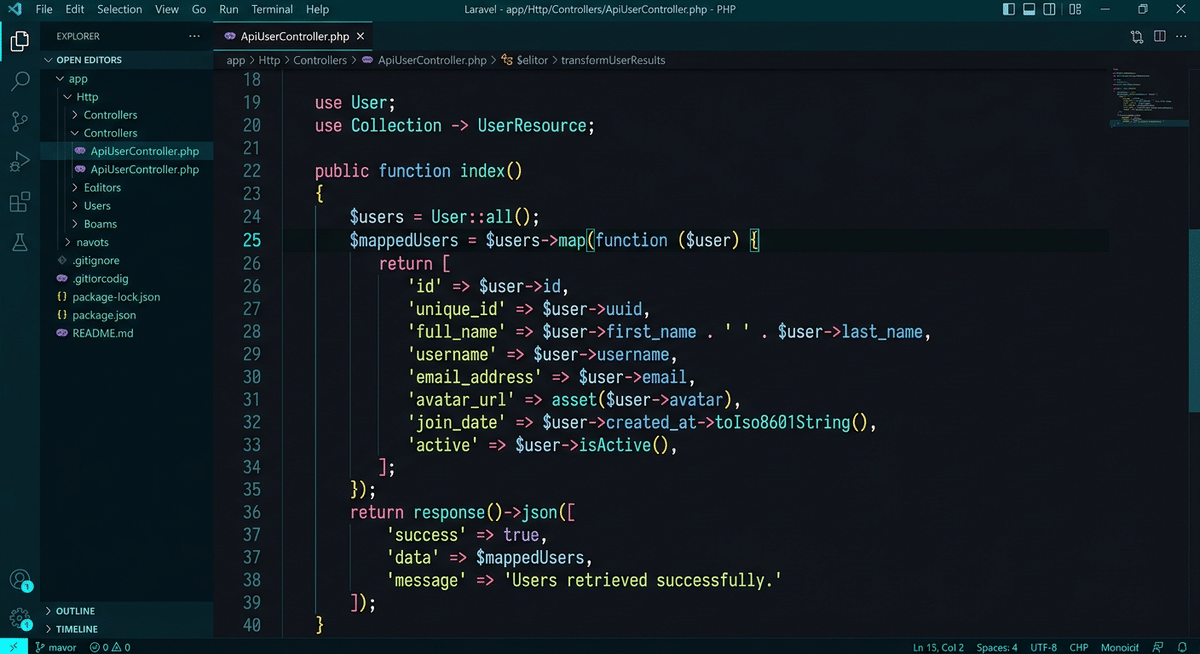
Case 1: Data Processing สำหรับ API
// จาก database query
$orders = Order::select('id', 'total', 'created_at')->get();

// แปลงเป็น response format
$orderData = $orders->map(function ($order) {
    return [
        'order_id' => $order->id,
        'amount' => number_format($order->total, 2),
        'created_date' => $order->created_at->format('Y-m-d'),
        'status' => $order->total > 1000 ? 'premium' : 'standard'
    ];
});
Case 2: Dynamic Select Options
// จาก model
$categories = Category::all();

// แปลงเป็น select options สำหรับ Vue/React
$selectOptions = $categories->map(function ($category) {
    return [
        'value' => $category->id,
        'label' => $category->name . ' (' . $category->products_count . ' รายการ)'
    ];
});
Case 3: Frontend Data Preparation
// จาก raw data
$products = Product::where('active', 1)->get();

// แปลงเป็น data สำหรับ Vue.js / API
$frontendData = $products->map(function ($product) {
    return [
        'id' => $product->id,
        'name' => $product->name,
        'price' => $product->price,
        'formatted_price' => '$' . number_format($product->price, 2),
        'image_url' => asset('storage/' . $product->image),
        'in_stock' => $product->stock > 0
    ];
});
📊 Performance และ Best Practices
// ✅ Good: Arrow function สำหรับ simple transformation
$collection->map(fn ($item) => $item->name);

// ✅ Good: Explicit return
$collection->map(function ($item) {
    return $item->name;
});

// ❌ Bad: Complex logic ใน map (ควรแยก method)
$collection->map(function ($item) {
    $processed = $this->complexProcessing($item);
    if ($processed->isValid()) {
        return $processed->result;
    }
    return null;
});
เคล็ดลับ: – ใช้ arrow functions สำหรับ transformation ง่ายๆ – ใช้ pluck() สำหรับดึงค่า key เดียว – Chain methods เพื่อประสิทธิภาพที่ดีกว่า
⚠️ Common Mistakes to Avoid
Mistake 1: สับสนระหว่าง map() กับ transform()
// ❌ Wrong - transform() แก้ไข collection เดิม
$collection->transform(function ($item) {
    return $item * 2;
});

// ✅ Right - map() คืนค่า collection ใหม่
$newCollection = $collection->map(function ($item) {
    return $item * 2;
});
Mistake 2: ลืม return ค่า
// ❌ Wrong - returns null ทุก item
$collection->map(function ($item) {
    // ลืม return!
});

// ✅ Right - returns transformed values
$collection->map(function ($item) {
    return $item * 2;
});

📌 สรุป
| Feature | map() |
|---|---|
| Return type | Collection ใหม่ |
| Original | ไม่ถูกแก้ไข |
| Use case | Data transformation, API response, frontend data |
map() เป็น foundation method ที่ต้องรู้ ช่วยให้เขียน clean code ในการแปลงข้อมูล ไม่ว่าจะเป็น API response, frontend data หรือ data processing ทั่วไป
// สุดท้าย - map() คือเพื่อนที่ดีที่สุดของ developer
$users->map(fn ($u) => $u->name)->filter()->values();


